Master the complete editing workflow
Six practical, text-first tutorials for Vynts on Mac—from first timeline and captions through AI direction, finishing, and delivery.
 01
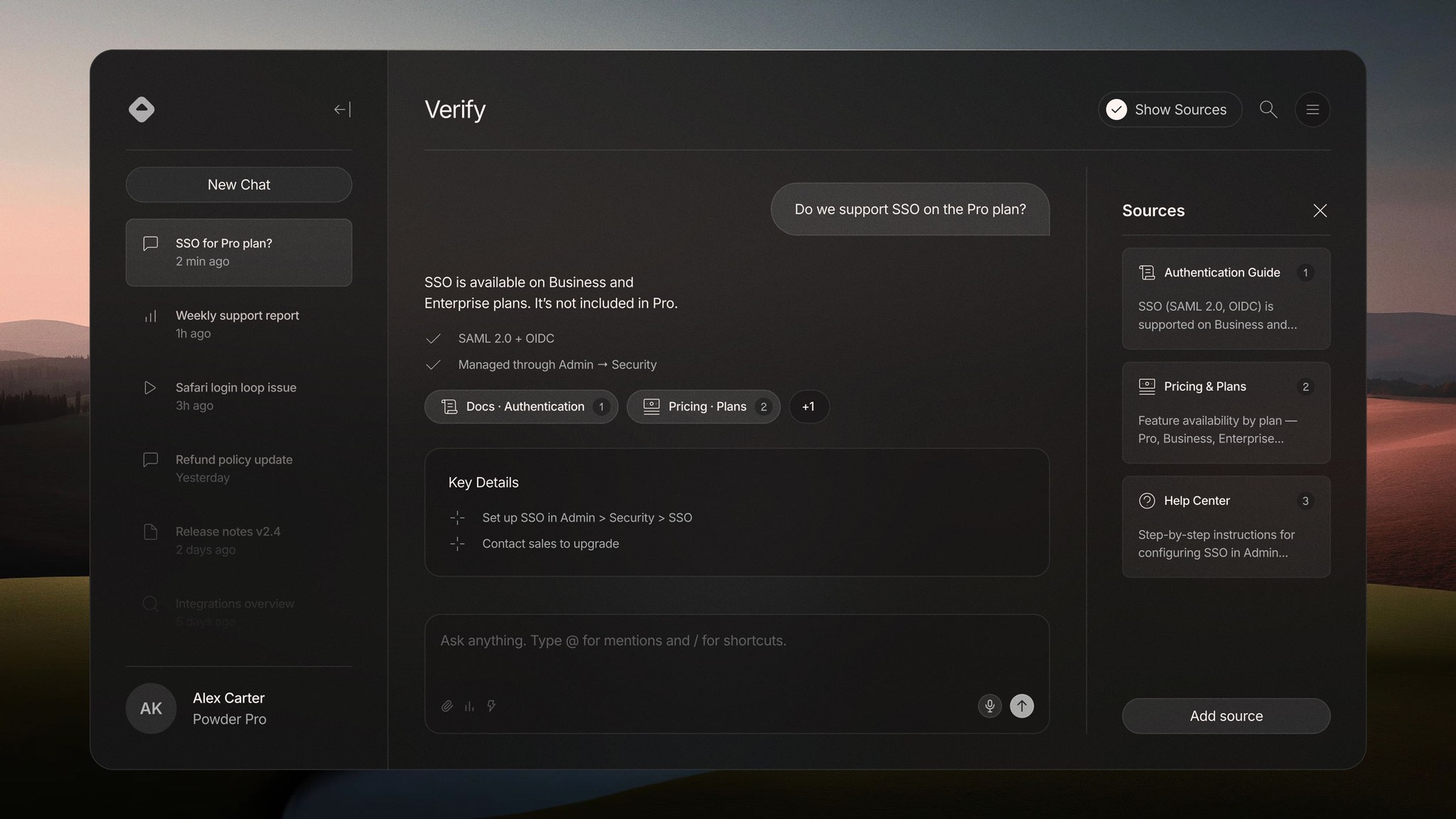
01Create and refine professional captions
Generate accurate captions, correct the transcript, refine timing and readability, then give every line a presentation-ready style.
Read tutorial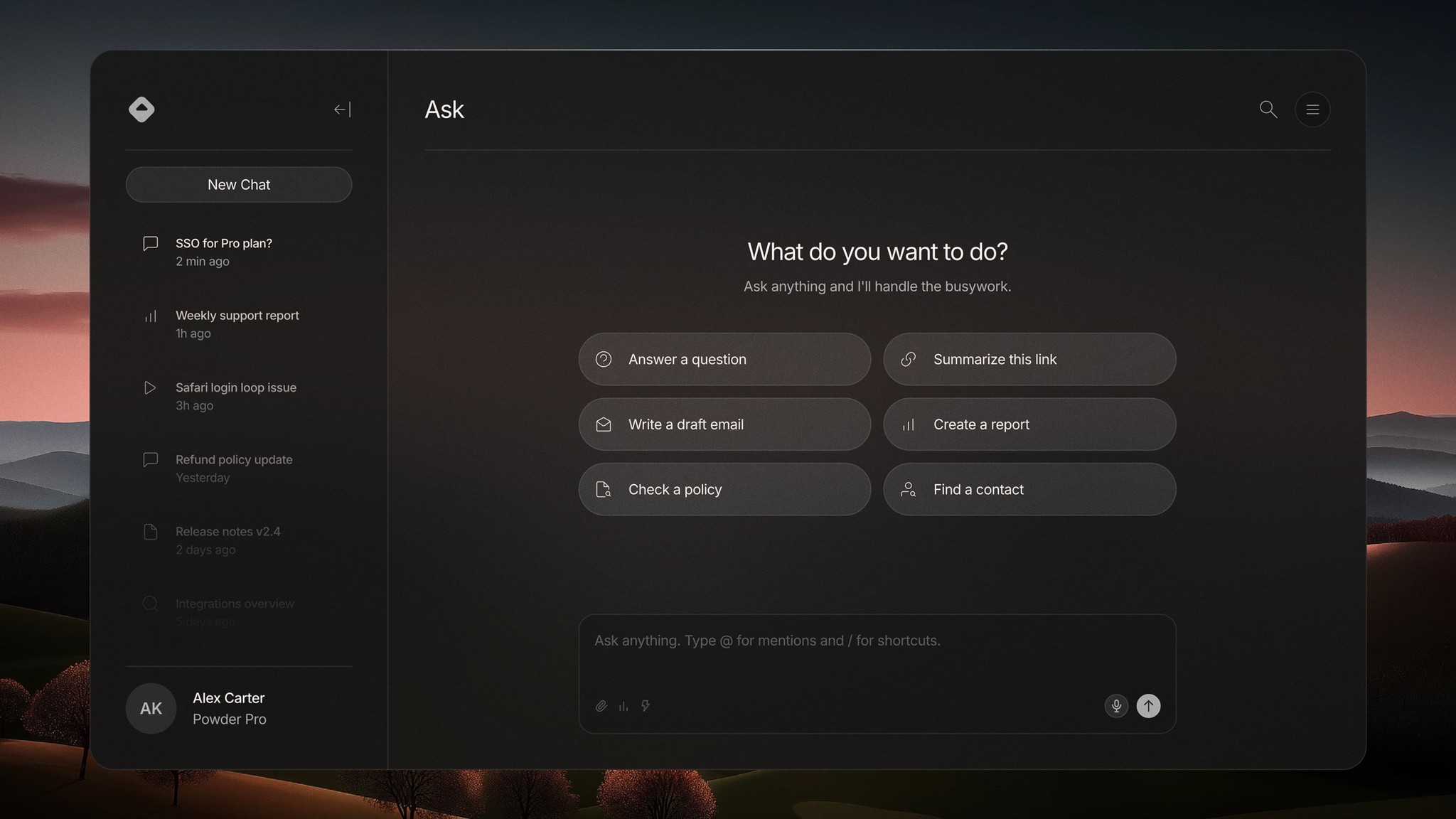 02
02Build a professional timeline with AI direction
Move from raw footage to a coherent first cut with AI assistance, then shape structure, pacing, and individual edits on a real timeline.
Read tutorial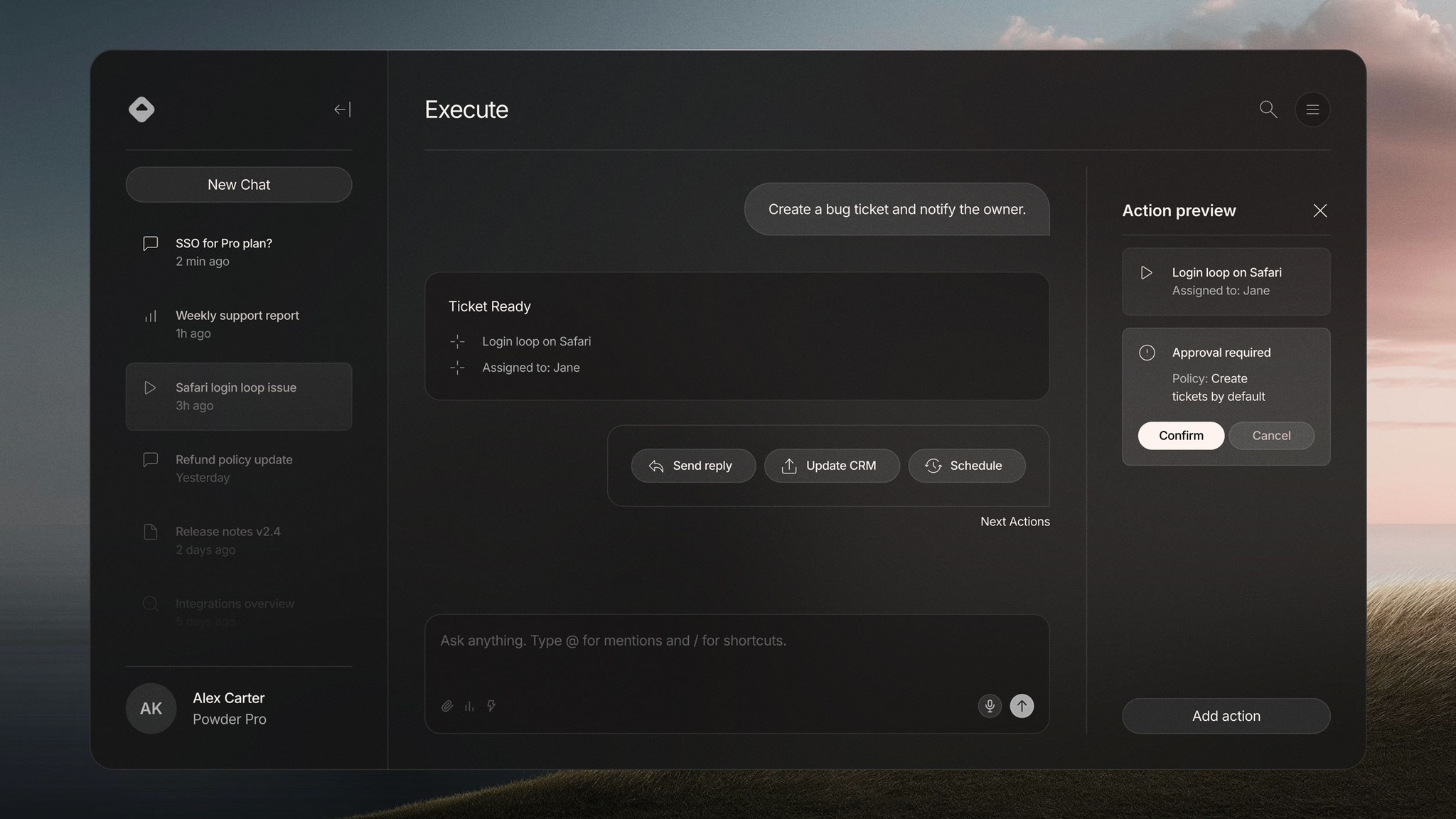 03
03Color grade a complete multi-camera sequence
Balance exposure and color, match different camera angles, then create one controlled visual finish across the full sequence.
Read tutorial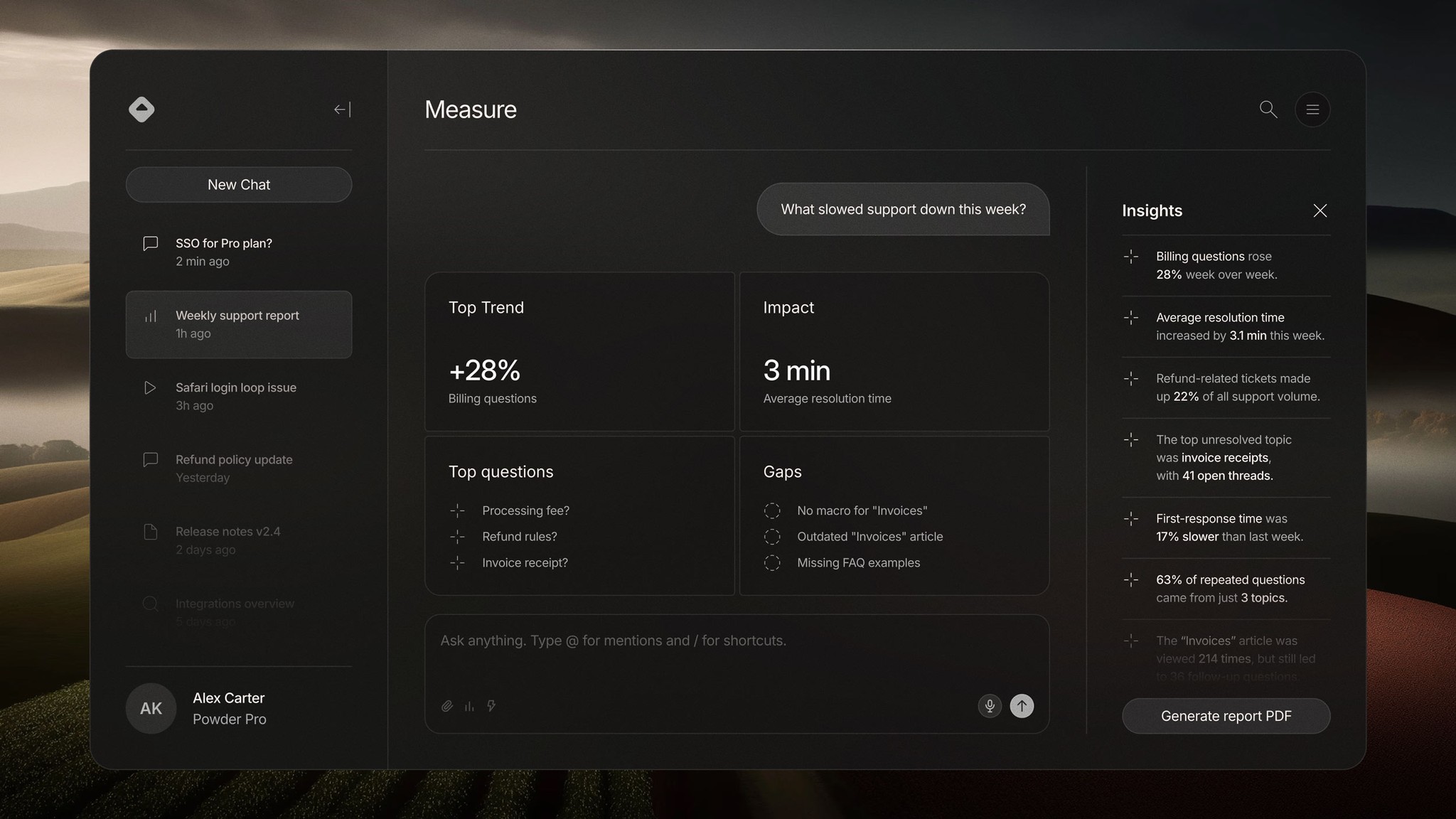 04
04Direct a complete edit with AI assistance
Use Vynts’ manager, prompt history, suggestions, and model controls to request meaningful editing work—then inspect, revise, or undo every change.
Read tutorial 05
05Polish picture, sound, pacing, and continuity
Turn an approved draft into a production-ready edit by refining continuity, timing, dialogue, transitions, graphics, and the full viewing flow.
Read tutorial 06
06Export a master and every delivery version
Create one high-quality master, then produce properly framed, captioned, named, and quality-checked versions for every destination.
Read tutorial